

EVOLUTS™ ONE-CLICK LUT
EVOLUTS™ ONE-CLICK LUT
Couldn't load pickup availability
🎞️ ONE-CLICK universal LUT + 4 creative LUTs
👨🏻💻 Compatible with all editing software
🎬 Professional-grade results in just one click,

Description
Description
EVOLUTS™ ONE-CLICK is a universal cinematic grade designed to work across different cameras and LOG profiles.
It adapts automatically to your footage and delivers a clean, film-ready image in a single step — without technical setup or manual matching.
Built as a grading foundation, not a look preset.
- 2 ONE-CLICK™ versions — v1 (neutral), v2 (warmer look)
- 4 creative LUTs with separate versions for LOG and Rec.709
- Conversion LUTs from LOG to Rec.709 for supported cameras
- Film grain pack with 4 styles: 8mm, 16mm, 35mm, Classic
- 3 short video tutorials for CapCut, Adobe Premiere Pro, and DaVinci Resolve

The most powerful LUT ever
Effortless results


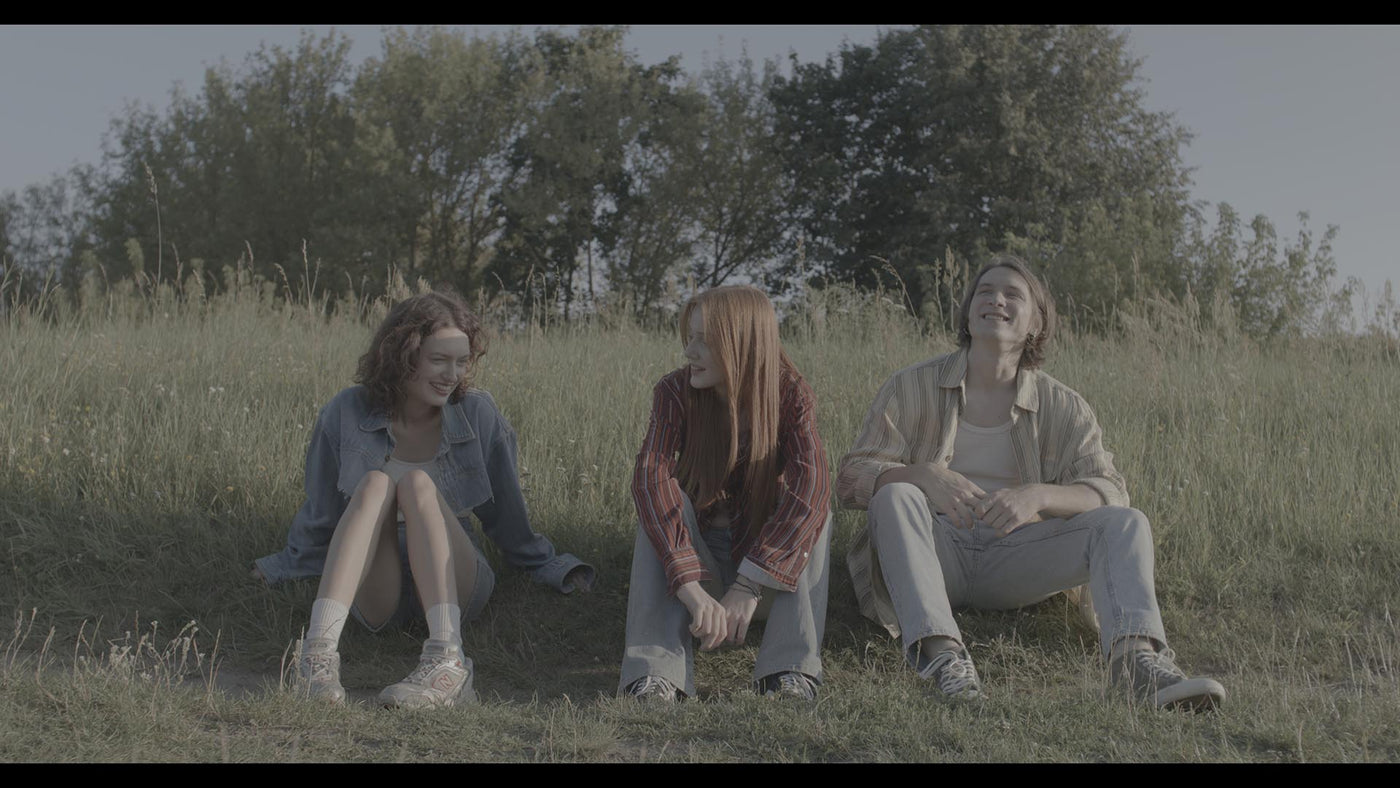



Simple workflow
Apply the LUT directly to your timeline. No setup, no extra steps. Works seamlessly in any editing software.
-

Instant download
Get instant access via email right after purchase.
-

Instructions included
Step-by-step instructions included to help you.
-

Secure payment
Safe and secure checkout guaranteed.
-

Customer support
Need help? We're here to support you.


Clean grading
Each LUT is carefully calibrated to respond naturally to shifting light conditions.
Our customer support is available 24/7 - whenever you need us.